Radio Command Deck  ★ FLAGSHIP

One deck.
Every radio.

Radio Command Deck unifies MIDI control surfaces, CAT rig control, TCI SDR integration, and a live spectrum waterfall on one fully customisable drag-and-drop surface. Connect anything. Control everything.
💳 Buy Now — £30 ⬇ Free 30-Day Trial
Windows 10 / 11  ·  Free 15-min trial sessions, no expiry  ·  No sign-up to try
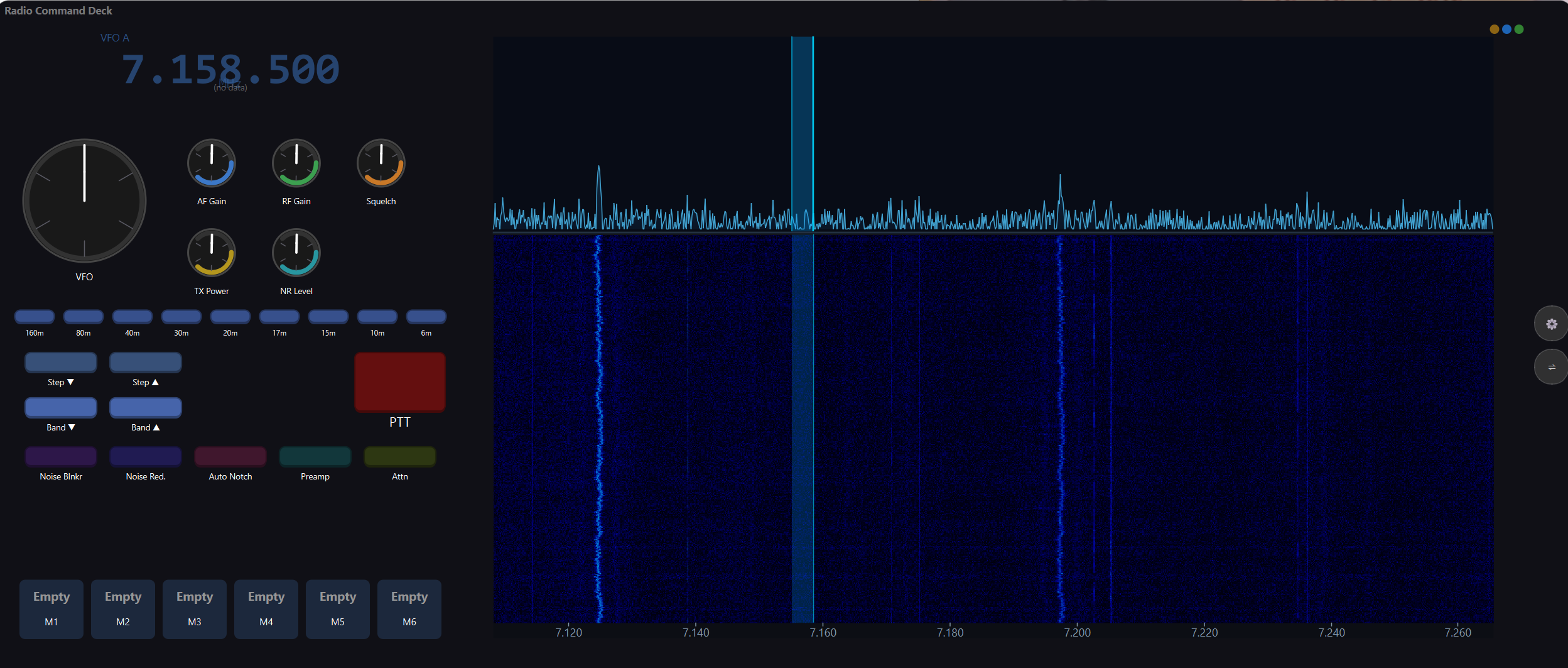
Radio Command Deck — customisable controller layout with live SDR waterfall
Live SDR waterfall + VFO tuning
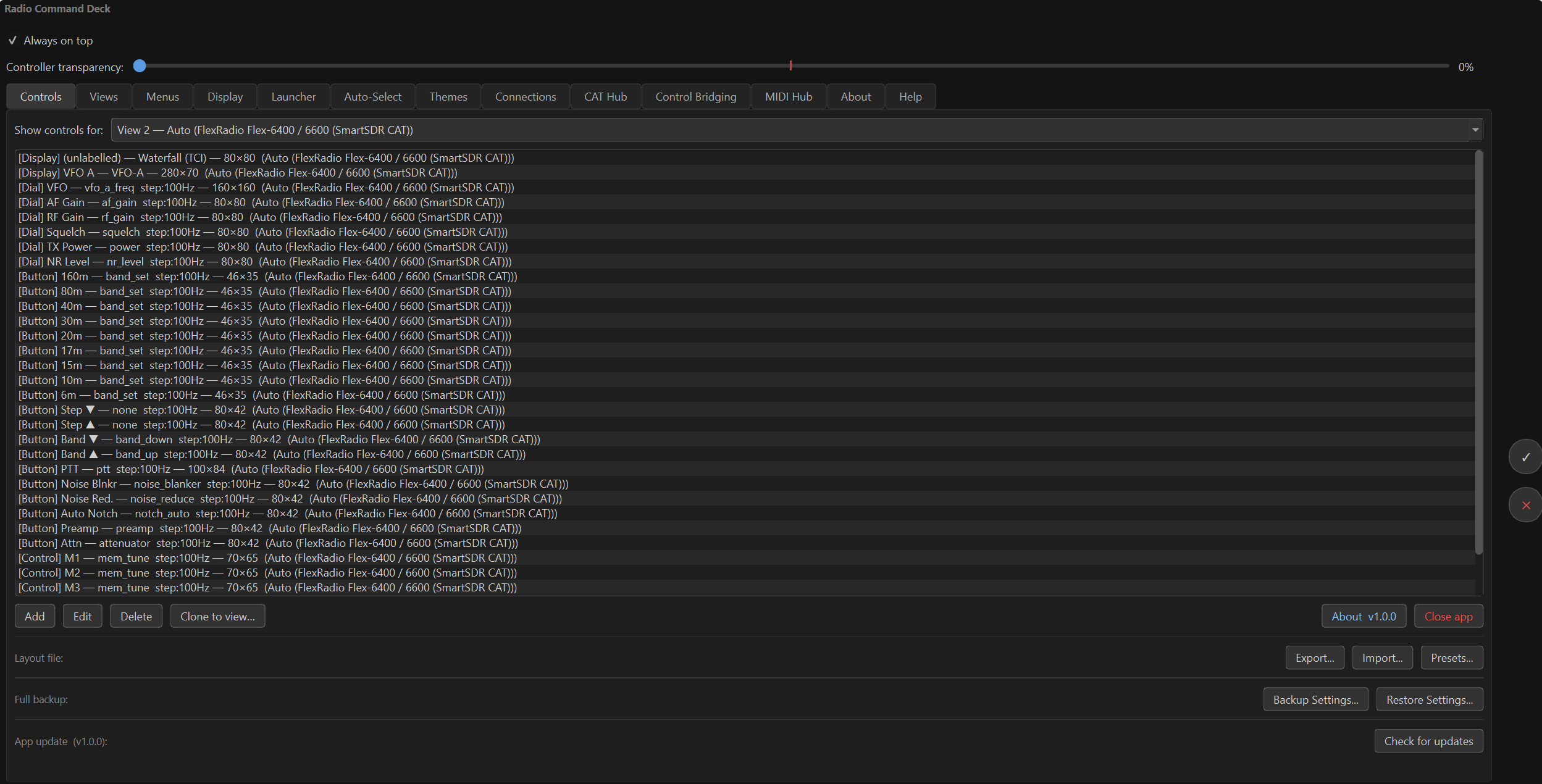
Radio Command Deck — CAT / TCI / MIDI connections panel
CAT / TCI / MIDI connections

What it does
Every protocol. One surface.

Built for serious operators who use multiple software stacks — Radio Command Deck is the only Windows controller that speaks MIDI, CAT, and TCI natively and routes them all through a single, programmable layout you design yourself.

🎛️
CAT Radio Control

Full Kenwood, Yaesu, Icom, and Hamlib/rigctld protocol support. Serial port or TCP. Band switching, mode, PTT, RIT, NB/NR, AF/RF gain, split, filter and more — all mappable to on-screen controls.

📡
TCI Integration

2-way WebSocket connection to ExpertSDR2, SunSDR, and any TCI-compliant SDR. Read VFO, mode, PTT, S-meter, TX power, SWR, ALC, and drive level. Send commands back in real time.

🎹
MIDI In & Out

Full RtMidi integration for Windows MM. Map any MIDI CC or note to a radio function, keyboard shortcut, or app action. MIDI passthrough and virtual port bridging supported.

🌊
Live SDR Waterfall

Real-time spectrum and waterfall from TCI. Drag the VFO marker to tune, two-finger pan on touch screens, adjustable scope/waterfall height divider, and automatic noise-floor calibration.

🖥️
Stream Deck Plugin

5 dedicated actions: Button (CAT/MIDI/raw), Dial (Stream Deck+), Raw command, MIDI CC, and MIDI Note. Auto-reconnects via the Bridge API — no manual setup after reboot.

🧩
Drag-and-Drop Layout

Place, resize, and reorder any control type freely. Multi-select with rubber-band. Multiple views per session — switch manually or automatically when a target process launches.

🔁
Bridge API

WebSocket (port 7742) and HTTP REST (port 7743) bridge. Send CAT commands, MIDI CC/notes, or raw strings from macros, web scripts, curl, or any third-party automation tool.

App Auto-Switching

Define rules: when WSJT-X starts, switch to the WSJT-X view. When it closes, revert to your default layout. Works with any Windows process — configure as many rules as you need.

🎨
Themes & Overlays

22+ built-in themes including animated Matrix Rain and Tron Race backgrounds. Transparent always-on-top window mode, borderless full-screen, and custom user themes from file.
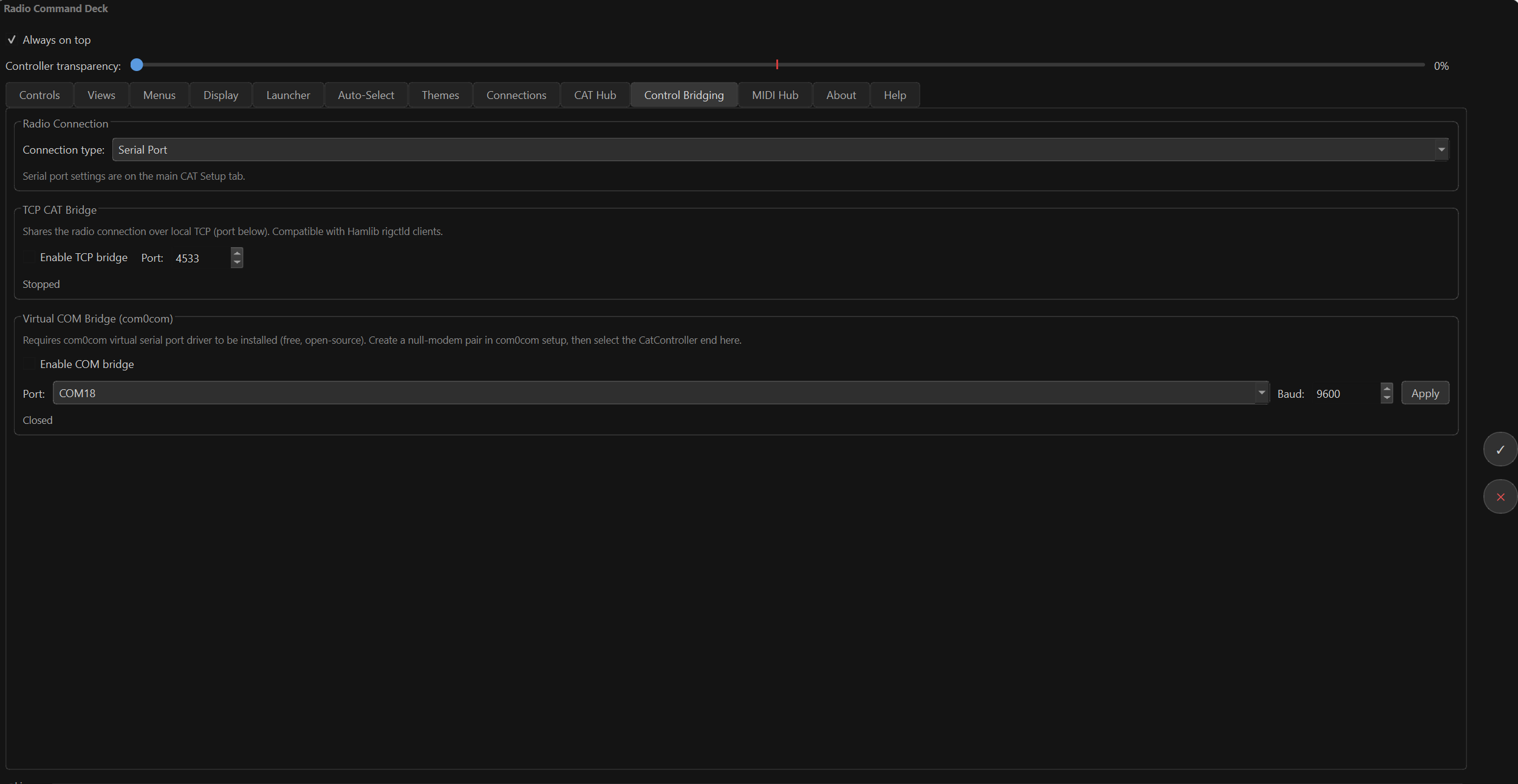
Radio Command Deck — live SDR waterfall with VFO tuning

Complete Feature List
Everything Radio Command Deck does
CAT Radio Control
TCI (Transceiver Control Interface)
MIDI
Live Waterfall & Spectrum
Control Surface & Layout
Automation & Integration
Display & Appearance

Compatibility
Works with your existing setup
SDR Software (TCI)
  • ExpertSDR2
  • SunSDR2
  • Expert Electronics rigs
  • Any TCI v1.6+ host
Radio Protocols (CAT)
  • Kenwood (TS-590/890/K3…)
  • Yaesu (FT-991/FTDX-10…)
  • Icom CI-V (IC-7300/9700…)
  • Hamlib / rigctld (900+ rigs)
  • AetherSDR, flrig, WSJT-X
MIDI / Hardware
  • Any Windows MIDI device
  • Elgato Stream Deck (all models)
  • Stream Deck+ (dials)
  • Arduino via Hairless MIDI
  • Any MIDI controller
Platform
  • Windows 10 (64-bit)
  • Windows 11 (64-bit)
  • Intel and AMD CPUs
  • High-DPI display support
  • Touch screen compatible

Pricing
Simple, honest pricing
£5 / year
annual update access renewal
  • · Required after the first year to receive new versions
  • · Your installed version continues to work if you don't renew
  • · Renewal available from within the app or this page
  • · Covers all feature updates and bug-fix releases
Already have a licence? Renew via Settings → Licence → Renew Update Access in the app. Or renew on this page ↓.

Get Radio Command Deck
Download & Licence
⬇ Download Radio Command Deck

Free 15-minute trial sessions with a 60-minute cooldown between them — no expiry, no sign-up needed to start. Purchase a key when you're ready to remove all restrictions.

After installing, open the app → Settings → Licence to see your Machine ID and activate a key.

Step 1 — Your Details
Your licence key is tied to this email. We don't send marketing email.
Found in Radio Command Deck → Settings → Licence → Copy Machine ID.
ⓘ Open Radio Command Deck on the machine you want to activate. Click ⚙ Settings, go to the Licence tab, and click Copy Machine ID. Paste it here.
Step 2 — Payment

£30 one-time perpetual licence. Your key is generated instantly and emailed to you.

Complete Step 1 to enable payment
🎉

Payment confirmed — here's your key!

Also emailed to .

In Radio Command Deck, open Settings → Licence, enter your email and this key, then click Activate.

📁 Create an account to always find your key

Register with the same email and all your licence keys are in one place.

Create Account → Log in

Already purchased?

If you've lost your key, enter the email you used at purchase — your key will be re-sent.

🔄 Renew Update Access — £5/year

If your first year of updates has expired, renew here to continue receiving new versions.

Trial system

The trial gives you 15-minute active sessions with a 60-minute cooldown between them — no expiry, use it as long as you like. CAT, TCI, and MIDI commands are disabled during cooldown. Purchase a key to remove all restrictions permanently.

Update protection

Your initial purchase includes 1 year of free updates. After that, a £5/year renewal keeps you on the latest versions. Your current installed version continues to work regardless — you're never locked out.

Works with

ExpertSDR2 • SunSDR • AetherSDR • Hamlib • rigctld • WSJT-X • flrig • Icom • Yaesu • Kenwood • Elgato Stream Deck • Any Windows MIDI device


FAQ
Common questions
Does it work without a TCI radio?
Yes. CAT and MIDI control work independently of TCI. TCI adds the waterfall display and enables deeper integration with ExpertSDR/SunSDR rigs.
Can I use it alongside my existing CAT software?
Yes — using the rigctld or Hamlib TCP mode means any existing rigctld server (WSJT-X, flrig, HRD) acts as the intermediary. Radio Command Deck connects as a client.
What happens if I reinstall Windows or get a new PC?
Your key is machine-bound. Contact support@hamstream.co.uk and we'll generate a new key for your new machine ID.
Does the Stream Deck plugin require a separate purchase?
The Stream Deck plugin is currently included with the Radio Command Deck licence at no extra charge. You'll need the main app running as a bridge.
What happens after my 1-year update period expires?
Your installed version continues to work normally — nothing breaks. You won't be able to download new major releases until you renew at £5/year. Renew any time from Settings → Licence or from this page.
Will it work on macOS or Linux?
Currently Windows 10/11 only. macOS and Linux builds are on the roadmap.
Can I control more than one radio at the same time?
You can have one CAT connection and one TCI connection active simultaneously. Multi-radio support (multiple rigs at once) is planned for a future release.